Calls arrive during the work
Customers often call while the owner or technician is driving, working in a home or helping someone else.

Free tools for plumbing businesses
Use five practical tools selected around service calls, scheduling, dispatch and the information that must move between the office and the field. No account or email is required.
See the five-tool pack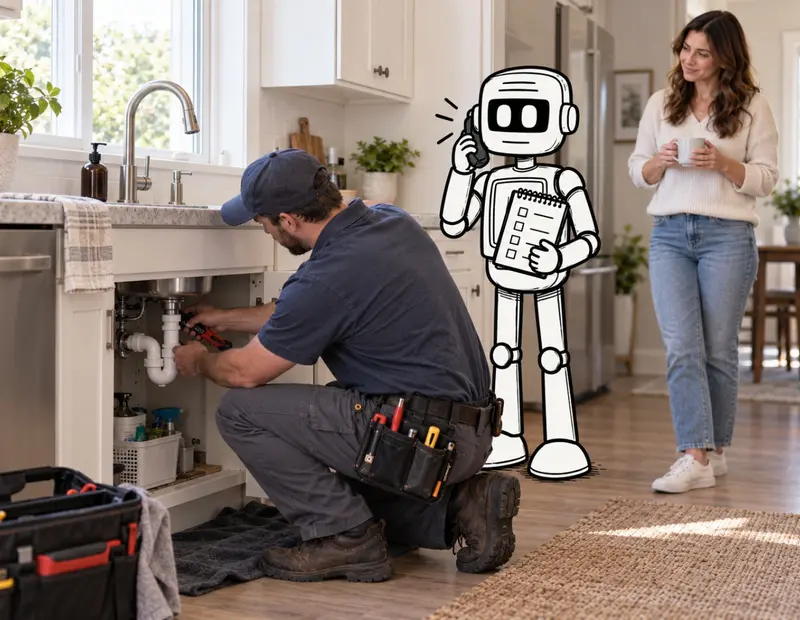
Start with the actual work
A plumber cannot stop mid-job to answer every call. The office may be balancing urgent requests, routine bookings, reschedules and estimate follow-up while technicians need accurate information in the field. The useful question is not whether plumbing needs more AI. It is which handoff is costing attention, context or customer trust—and whether a small change can fix it.
Customers often call while the owner or technician is driving, working in a home or helping someone else.
A caller may describe a problem as urgent, but software should not make safety or technical judgments outside approved instructions.
Booking details, property access, job history and customer expectations need to reach the technician without being reconstructed.
Pricing, difficult customers, unusual jobs and schedule tradeoffs often return to the person with the most context.
Curated free tool pack
Each tool runs in your browser. Use the result even if you never contact oobCREATIVE.
Leave with one customer-contact handoff to fix first.
Use it now when: Use it when voicemail and callbacks are carrying too much of the booking process.
Start Missed Call & Booking CheckSeparate a process problem from an integration or software problem.
Use it now when: Use it before replacing scheduling, dispatch or customer-management software.
Start Office-to-Field Workflow ReviewTurn recurring judgment into rules, examples and clear escalation points.
Use it now when: Use it when the team can do the work but still waits for one person.
Start Owner Approval Bottleneck ReviewLearn whether to test it, reshape it or keep it human.
Use it now when: Use it before giving customer or job information to a new AI tool.
Start AI Fit Check for Plumbing WorkFind the message gap most likely to create a poor-fit call or abandoned visit.
Use it now when: Use it when the website gets traffic but customers still call for basic clarity.
Start Service Website Message CheckKeep humans human
AI can support approved office work. It should not diagnose plumbing conditions, decide whether a property is safe, promise arrival times or commit the business to final pricing.
After a useful result
If call coverage is the real problem, the result may introduce the AI Dispatcher for Home Services. A workflow, message or responsibility problem will point somewhere else. The free answer comes first.